Best Practices for Pop-ups
Last updated: April 17, 2025
Popups are the best way to grow your SMS subscriber list. OneText offers an industry-leading pop-up builder, and we also integrate with the most popular 3rd party pop-up providers.
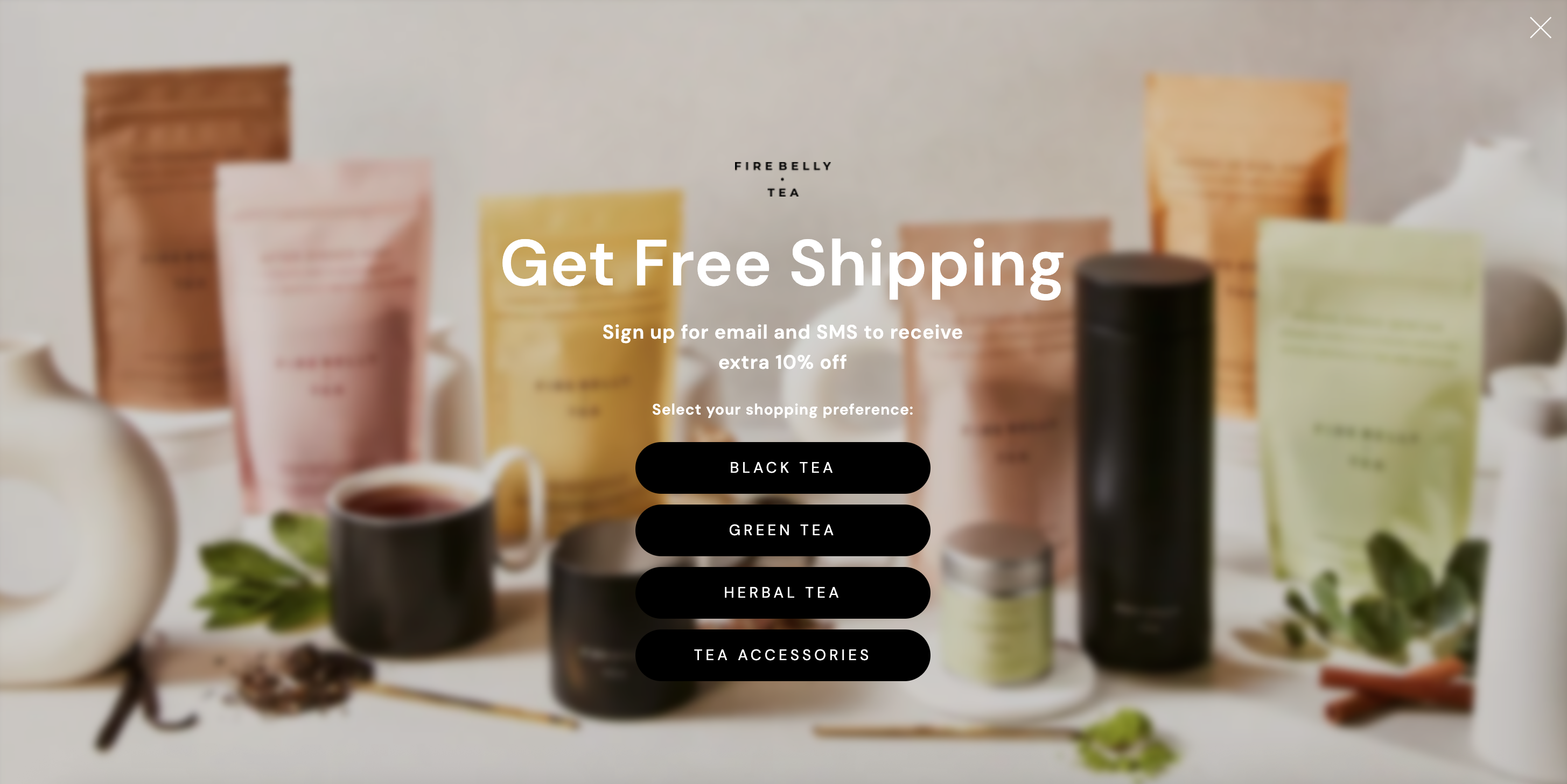
Branding & Design
Consistency: Ensure the popup’s design aligns with your brand’s color scheme, typography, and voice.
Visibility: Use clear and contrasting colors to make your text and call-to-action (CTA) stand out.
Images: Use relevant and high-quality images but avoid making the popup too cluttered.
Mobile Optimization: Ensure the popup is responsive and looks good on all devices.
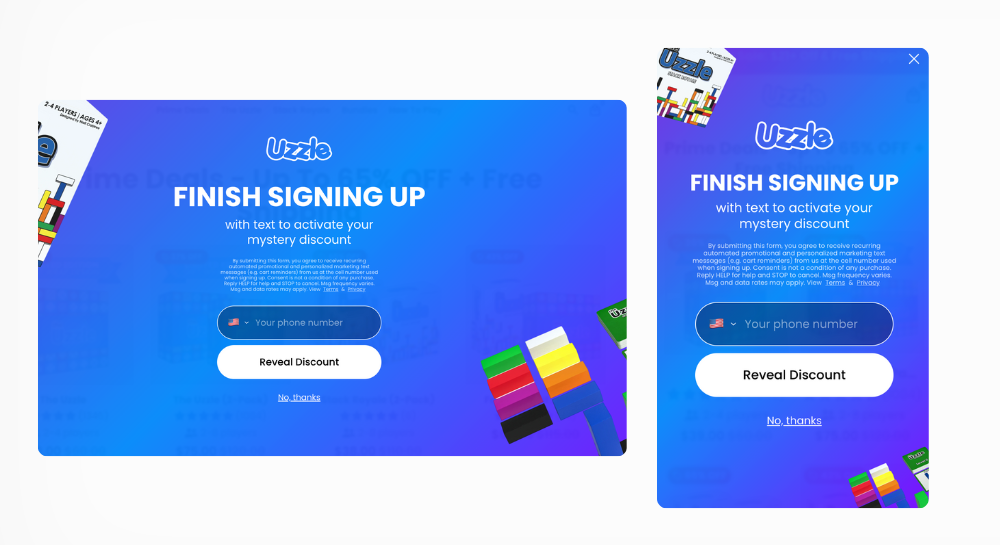
Content
Clear Messaging: Clearly state the benefits of subscribing. Is there an incentive, like a discount or special content?
CTA: Your call-to-action should be compelling. Instead of just “Submit” or “Continue”, consider “Get Your 15% Off” or “Send My Discount!” to entice the customer.
Transparency and Compliance: Explain how you’ll use their phone number and include hyperlinks to your Privacy Policy and Terms of Service. This builds trust and ensures compliance with TCPA regulations. Sample copy:
By submitting this form, you consent to receive marketing text messages from
[Your Brand]at the number provided. Msg & data rates may apply. Unsubscribe at any time by replying STOP. Privacy Policy & Terms.
Technical
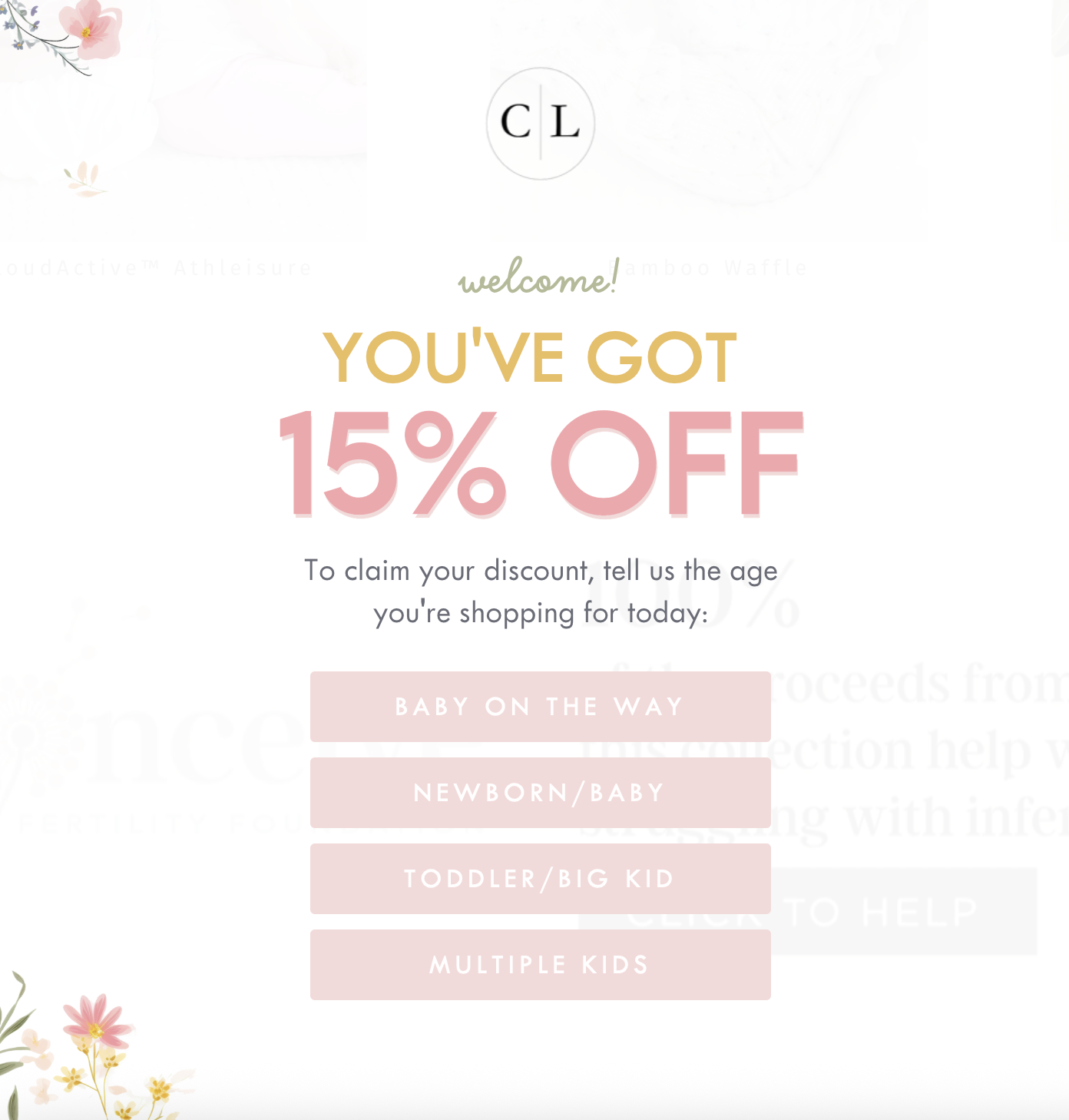
Multi-Step Subscription on Desktop: — Multi-step processes can help encourage users to sign up, first email, then an additional SMS step
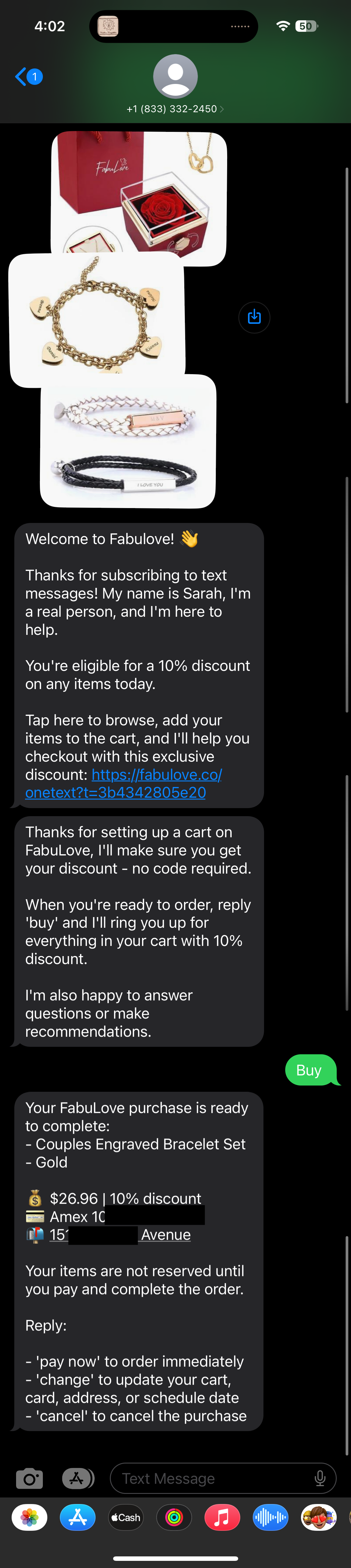
Tap-to-Text Link on Mobile with OneText: — With OneText, on mobile, the button can automatically initiate a personalized and engaging messages sequence. By taking users directly to their messaging app with a pre-filled message, you create a more seamless, personalized interaction.
User Experience
Exit-Intent: Consider implementing exit-intent popups. They appear when users are about to leave the page, capturing attention without disrupting their initial browsing experience.
Timing: If you are not using exit-intent, time your popup to appear after a user has spent a certain amount of time on your site, ensuring they’re engaged before the ask.
Easy Close Option: Allow users to easily close the popup if they’re not interested.
Exclusion: We recommend excluding popups from key pages like cart and checkout to avoid interrupting high-probability conversion purchases.
Single Opt-in vs Double Opt-in
We follow TCPA rules and industry standards, which fully support single opt-in. Although the TCPA was designed initially for telephone sales and has since been adapted for SMS, it does not require double opt-in. We recommend single opt-in because it simplifies the user experience and keeps high engagement rates without sacrificing compliance. Double opt-in can significantly reduce consent rates, and is often more than what is legally required for compliance.
To learn more about the distinction, read our opt-in explainer.
The information in this article is provided for general educational purposes only and should not be considered legal advice. Always consult with your legal counsel to determine the best compliance approach for your business.