Keyboard Shortcuts
Last updated: January 29, 2026
Keyboard shortcuts have also been added to help power users move through the OneText dashboard more efficiently.
Keyboard Shortcuts
Apple
⌘ + K → Open the Global Command Menu
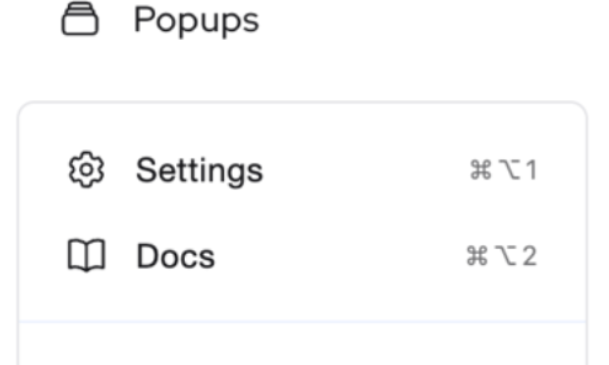
⌘ + Option + 1 → Jump directly to Settings
⌘ + Option + 2 → Open the OneText Knowledge Base
Windows
Ctrl + K → Open the Global Command Menu
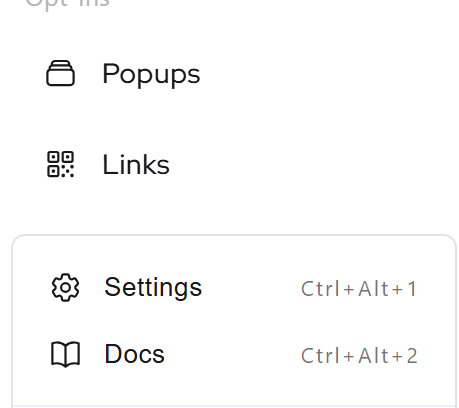
Ctrl + Alt + 1 → Jump directly to Settings
Ctrl + Alt + 2 → Open the OneText Knowledge Base