Send Test Messages
Last updated: April 17, 2025
Previewing Campaigns & Automations
Sending preview messages to yourself is easy on our Flow Editor.
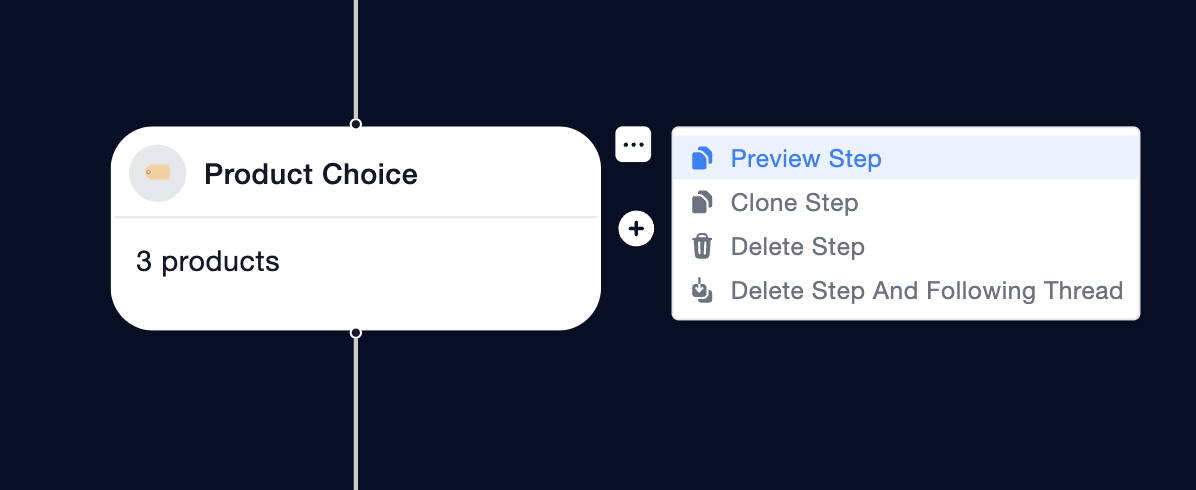
On any message step, click the 3 dots menu and choose Preview Step.
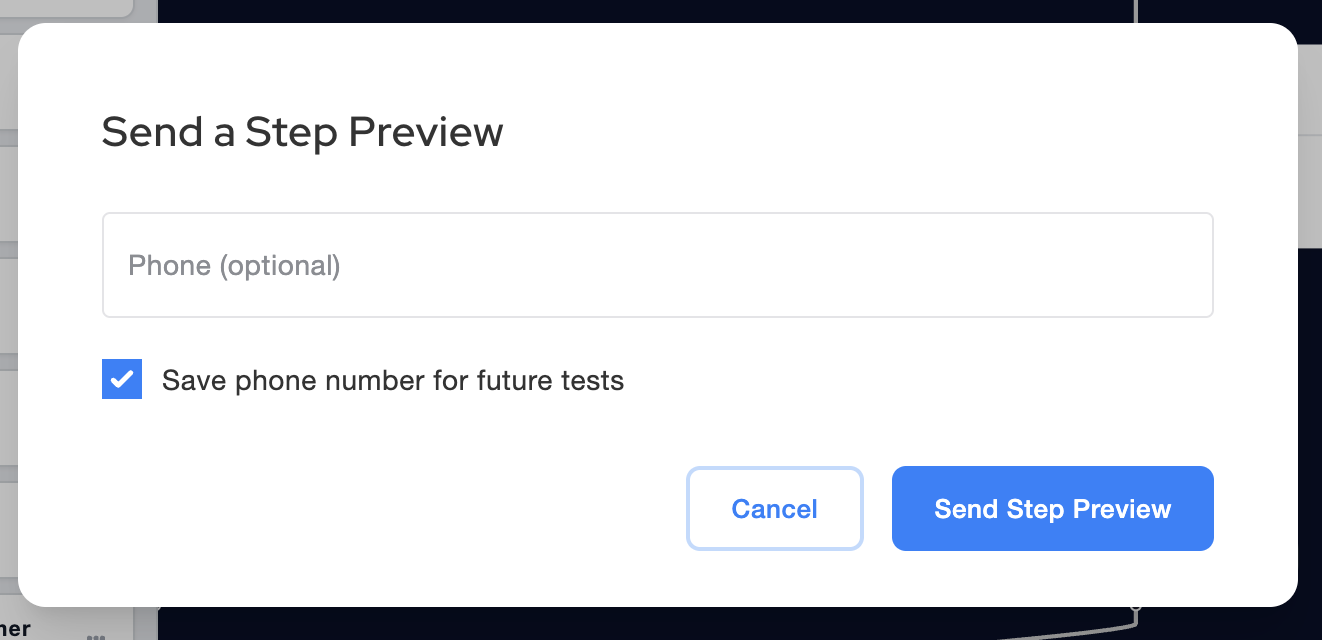
Enter your phone number to send a test message. You can select the checkbox to save your number for future testing!
To reset your test, simply text the word "ping" back from your phone number. Test as many times as you'd like!
Outside the United States
If you are based outside the United States, we recommend setting up a free Google Voice number with a +1 US area code for testing. You can learn more about Google Voice at their website here.
Support for international sending is coming soon! Sign up for our Releases Newsletter to be the first to know.