October 2025 Product Release Notes
Last updated: October 29, 2025
Major Releases
New Overview Page is LIVE!
(Log into Account > Overview tab)
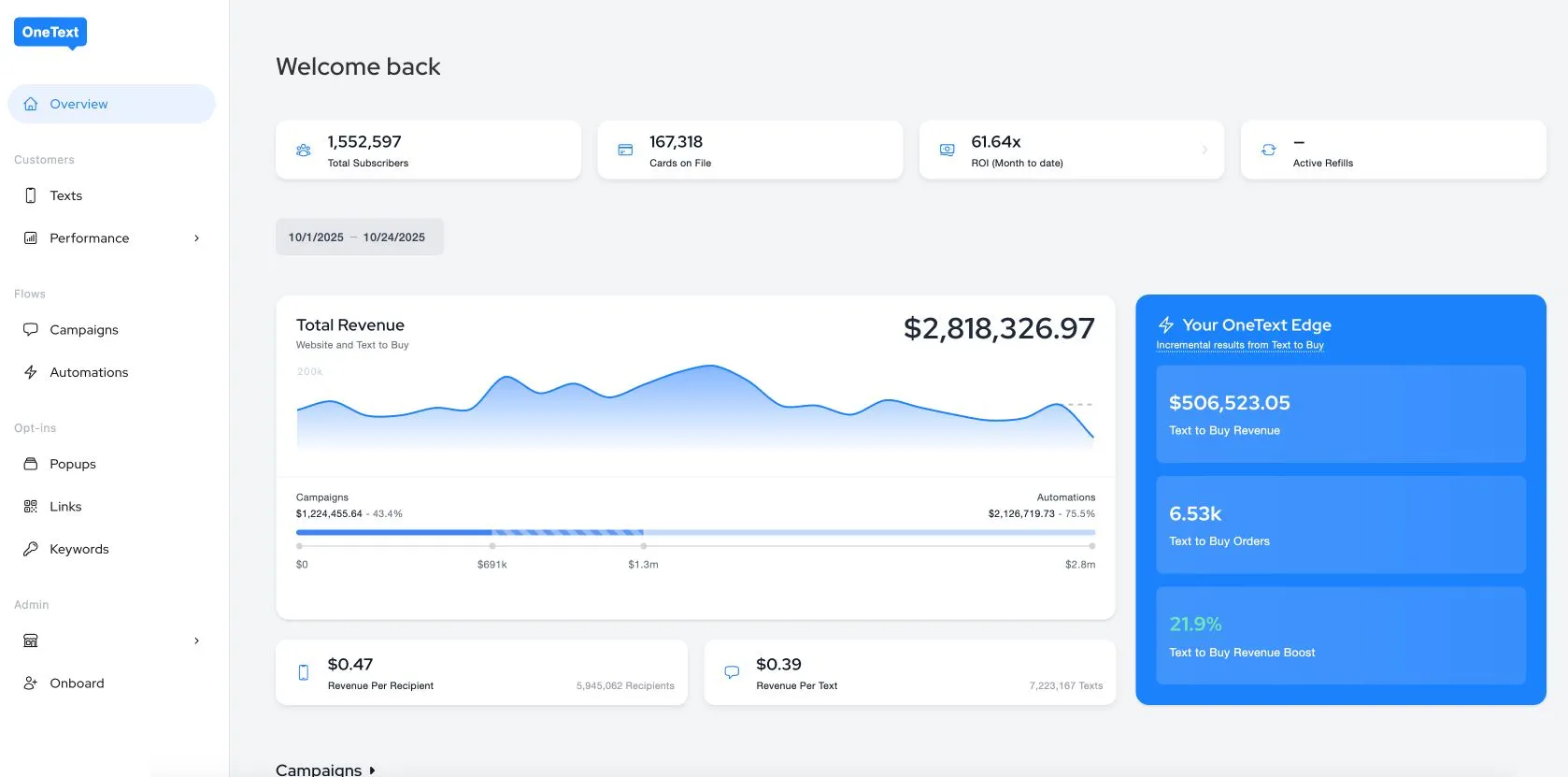
We’ve made some exciting updates to improve how you view and track performance across your OneText dashboard.
Global Dashboard View:
The Overview page now provides a unified, high-level view of your total performance - including subscribers, cards on file, ROI, and more.
(Pro tip: these top-level cards show global totals and are not affected by the date picker.)
Simplified Navigation:
You can now access all key metrics directly from the new Overview Dashboard.
Why This Matters
These updates make it easier to get a quick, accurate snapshot of overall account health - without needing to switch pages or filter through multiple reports.
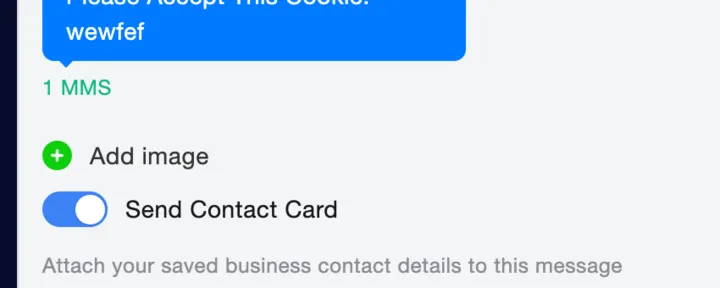
Support for Contact Card Campaigns + Customizability
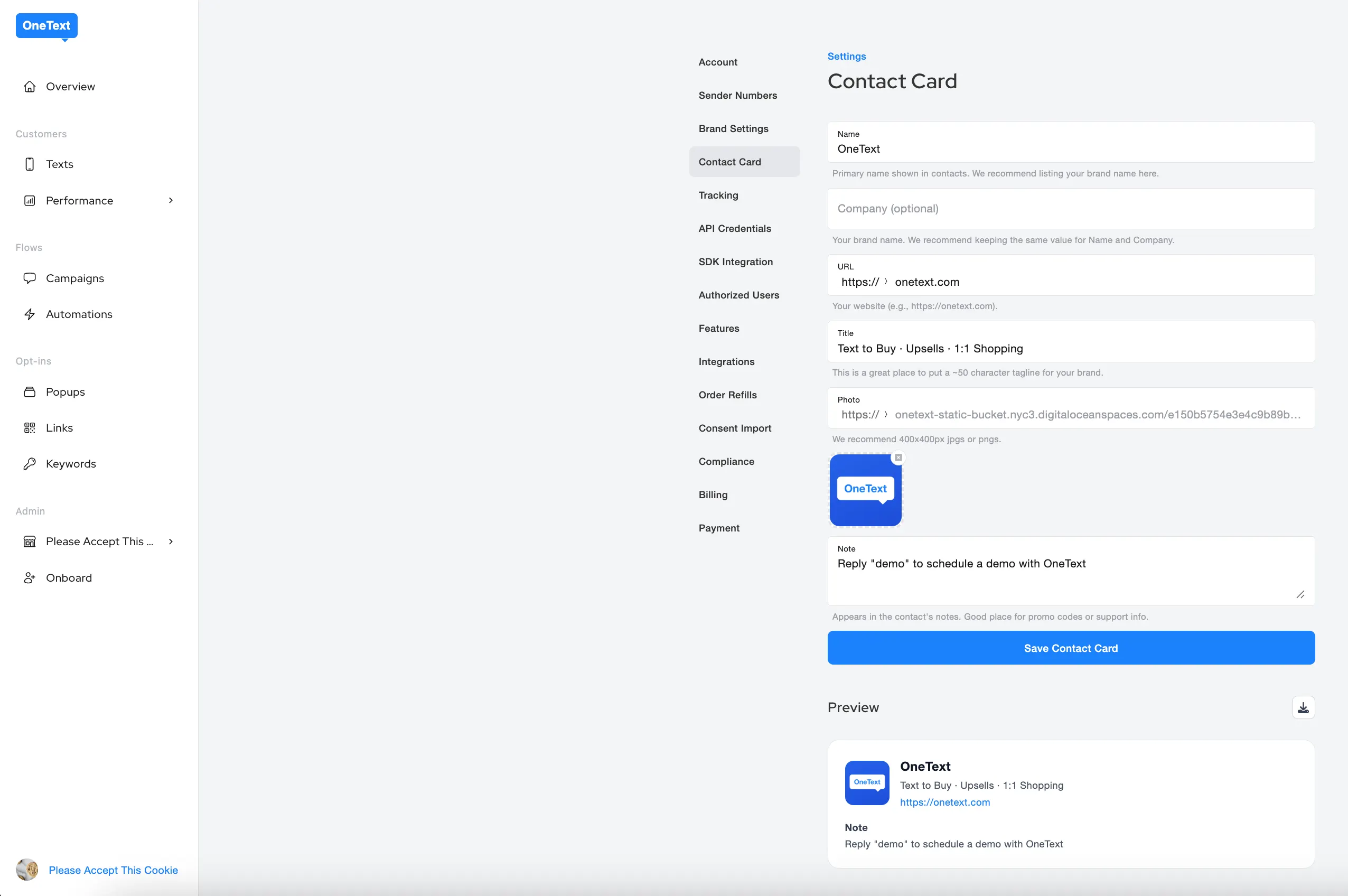
(Settings > Contact Card)
Merchants can now create and customize their own Contact Cards to share branded business details in every message.
Personalize your Contact Card with:
Brand name, company name, and tagline
Custom logo or image
Website link and call-to-action note (e.g., “Use code WELCOME10 for 10% off”)
Embed secret/hidden discount codes in the Notes section to encourage dowloads
Your customized Contact Card will automatically attach to any message where “Send Contact Card” is toggled on.
Why It Matters
A VCF (Virtual Contact File) is a standardized format for storing and sharing contact information - essentially an electronic business card.
Adding a VCF (contact card) helps your brand stand out and stay visible in customers’ inboxes. With Apple’s latest iOS update filtering messages from unknown senders, having a verified contact card ensures your texts appear trusted and recognizable, not lost in “Unknown Senders.”
📘 Learn More: How to Set Up a Contact Card →
Popup Editor Enhancements
(Main Account > Popup)
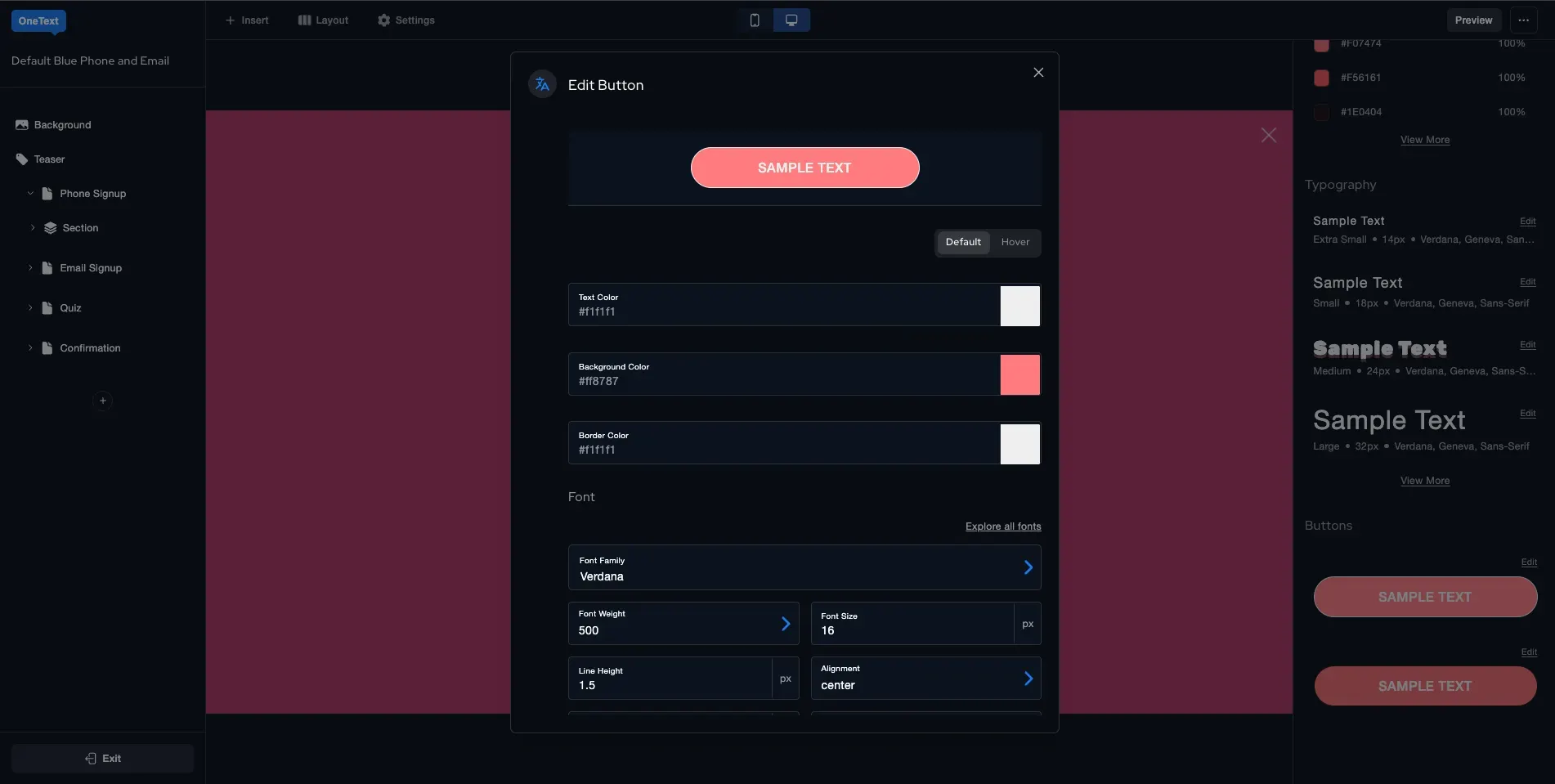
1. Global Overview Panel
We’ve introduced a new Global Overview Panel in the popup editor.
This panel gives you a single place to manage global design settings across your popup:
Color Swatches - Define and edit reusable swatches; updates cascade across all elements using that color. Quick Start AI will now auto-generate and apply these swatches.
Text Styles - Create reusable presets for font, size, weight, color, alignment, and line-height.
Button Styles - Manage global primary and secondary button styles, including text, color, and border radius - updates apply everywhere instantly.
2. Suppress Auto-Opening Popups
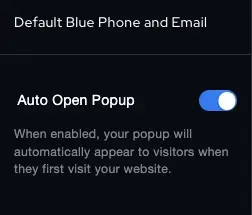
(Editor > Settings (top nav) > Auto Open Popup (toggle off))
You now have control over when popups automatically appear. Use the Suppress Auto-Open option to prevent automatic triggering, giving you more flexibility over timing and user experience.
3. Spin-to-Win Popup Updates
We’ve made improvements to the Spin-to-Win experience, enhancing reliability and customization for a smoother, more engaging interaction.
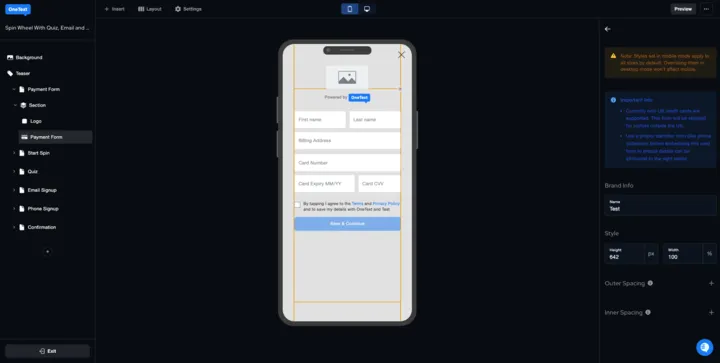
4. Card Vaulting & Address Capture Component
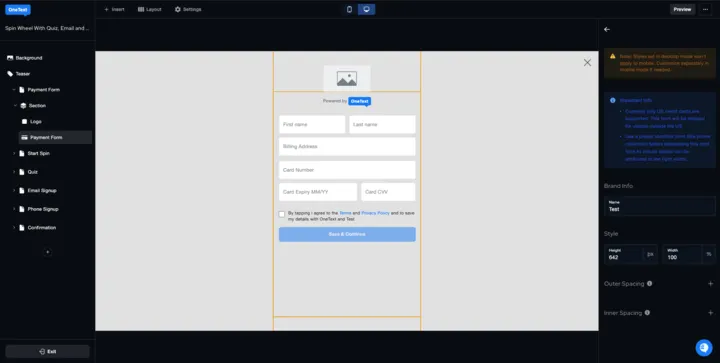
We’ve added a new popup component that lets customers securely save payment and address details right from the popup.
What’s new:
Customers can now save credit cards directly from popups.
Billing and shipping addresses can be collected in one step.
Flow:
Trigger: Appears after the customer enters their phone number.
Address & Card Entry: Customer enters billing, shipping, and valid card details.
Consent: Customer confirms via SMS to approve vaulting.
Vaulting: The card is securely saved for future purchases.
Minor Releases
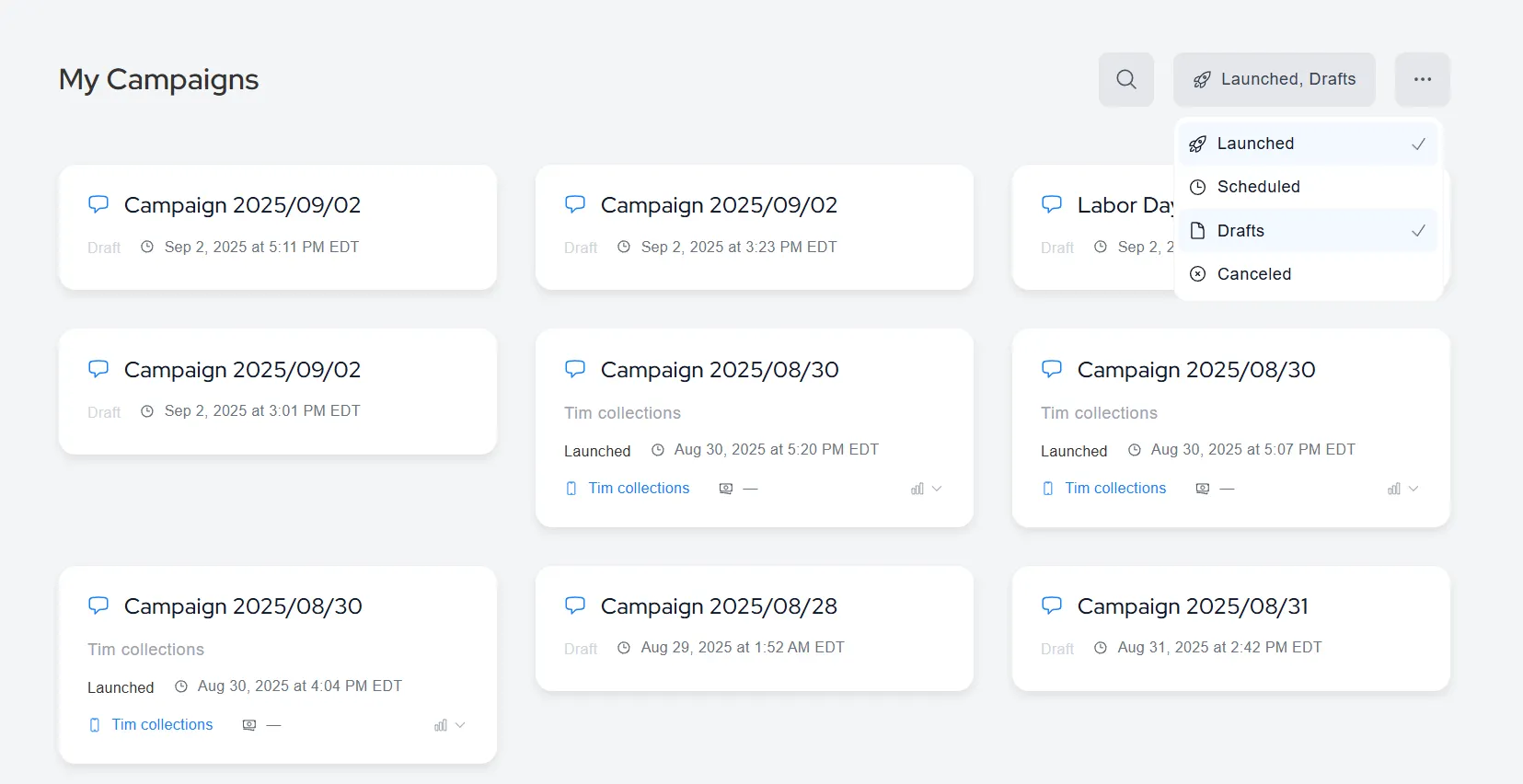
Multi-Select Campaign Filter
(Account > Campaigns)
You can now select multiple campaign statuses at once (e.g., Launched + Drafts) to easily view and manage campaigns across different states.
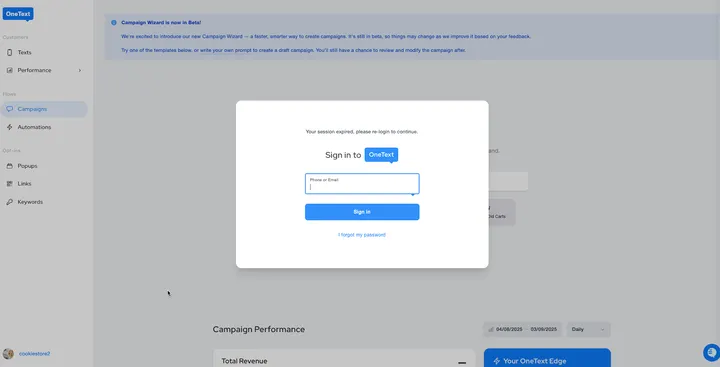
Enhanced Login Experience During Sign-In and Sign-Out.
A smoother, modernized login modal that appears when your session expires. You’ll now stay exactly where you left off after re-logging in - no need to navigate back manually.
Support for Inactive Flow Steps
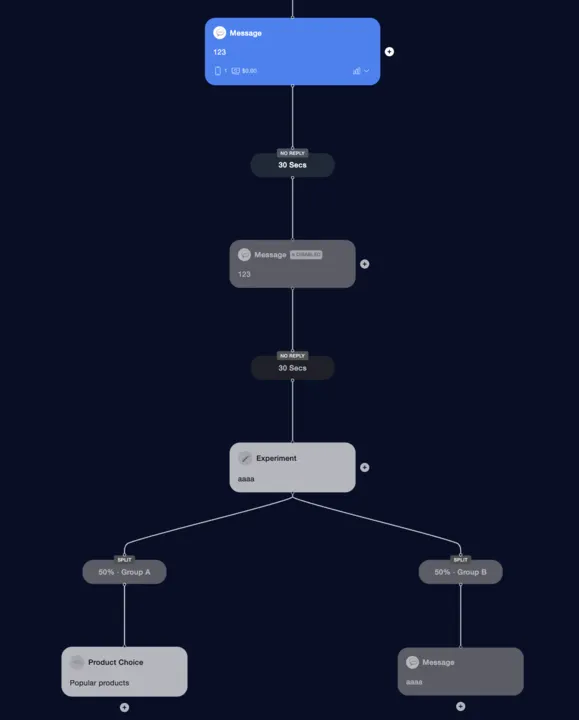
We’ve added support for inactive flow steps and event visibility directly within the Flow Editor, giving you more control and transparency when designing and testing your automations.
Inactive Steps: You can now disable individual steps within a flow without deleting them - perfect for testing, troubleshooting, or pausing temporary messages.
Visual Clarity: Inactive steps appear greyed out, so you can quickly identify which parts of your automation are paused or pending activation.
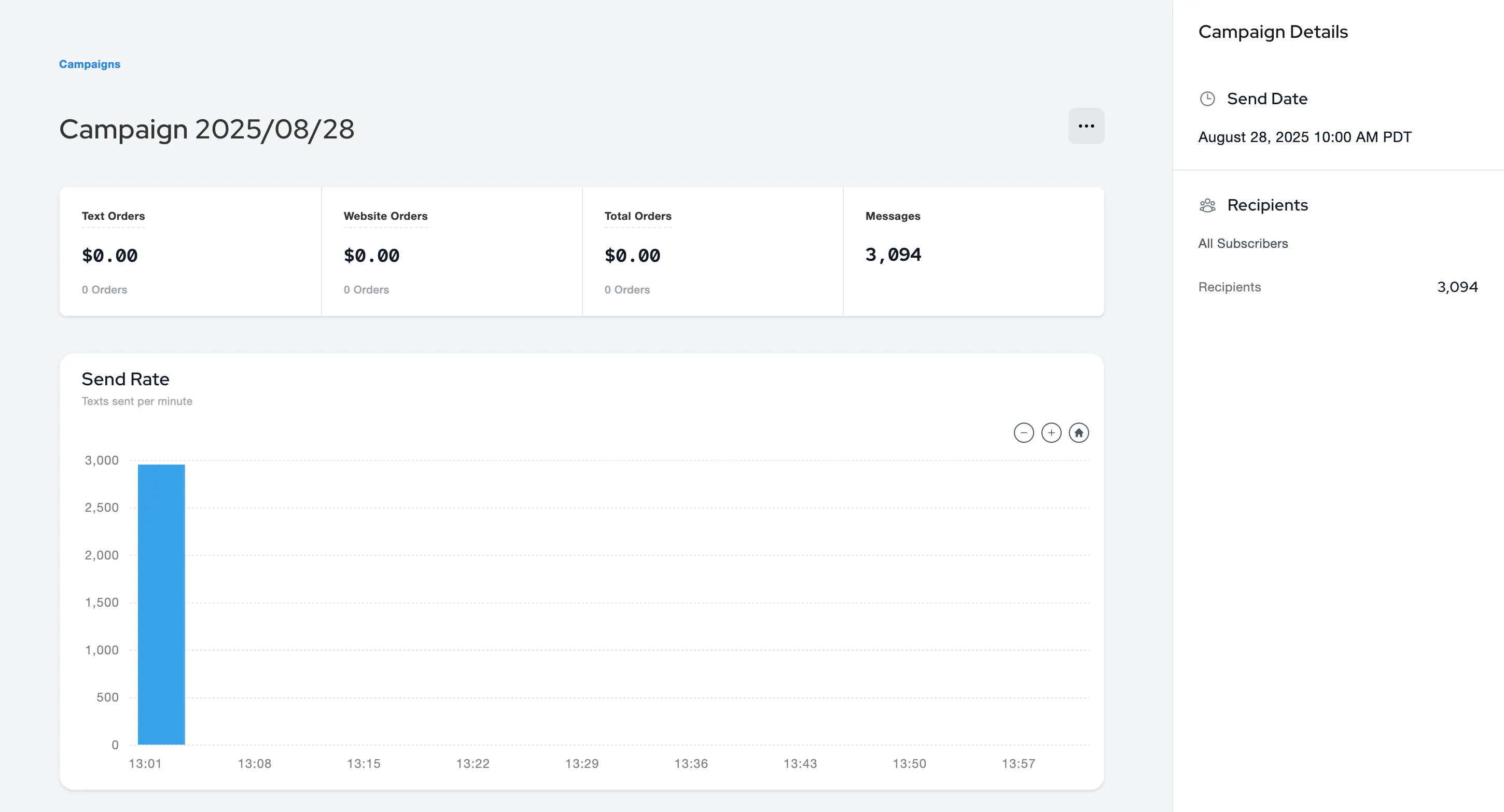
Campaign Details Sidebar
We’ve added a new sidebar to the Campaign Details page that gives you quick access to key campaign information - including send time, recipients, and performance insights - all in one place.
Ability to Generate Vault Link on Shopper Profile Tab
(Customers > Texts > Click on Customer > View Brand Profile > Shopper Profile > Generate Vault Link)
You can now generate a secure vault link directly from the Shopper Profile tab. This link lets you easily add or update a shopper’s saved payment method and addresses in one step.